Dark Mode
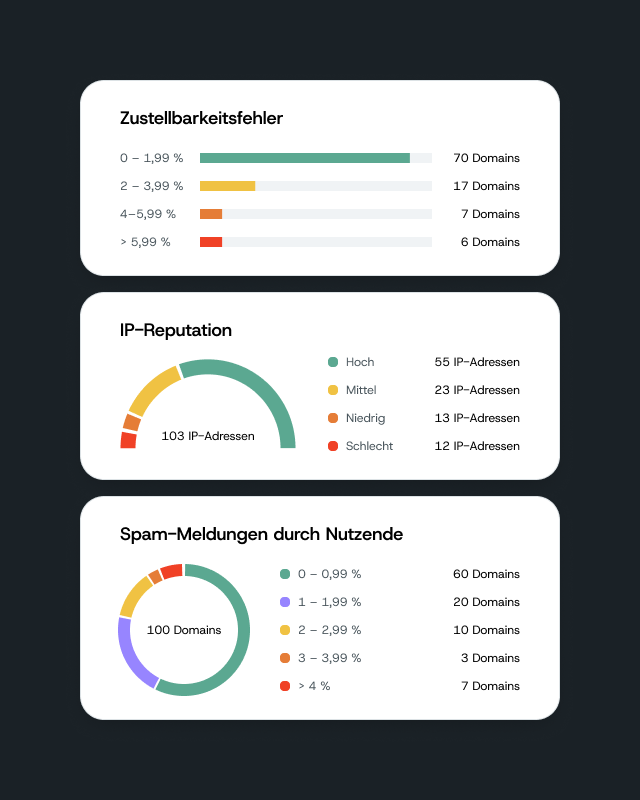
Mailgun now supports dark mode. If you prefer a darker interface — whether for comfort, accessibility, or just personal taste — you can turn it on directly in your account. The setting is stored as a cookie in your browser, so your preference is saved automatically each time you return. How to enable it: Head to […]
Mailgun now supports dark mode. If you prefer a darker interface — whether for comfort, accessibility, or just personal taste — you can turn it on directly in your account.
The setting is stored as a cookie in your browser, so your preference is saved automatically each time you return.
How to enable it:
Head to your account settings and toggle dark mode on. That’s it — your Mailgun dashboard will switch to a dark-mode color scheme right away.