Light & Dark Mode Dual View is live
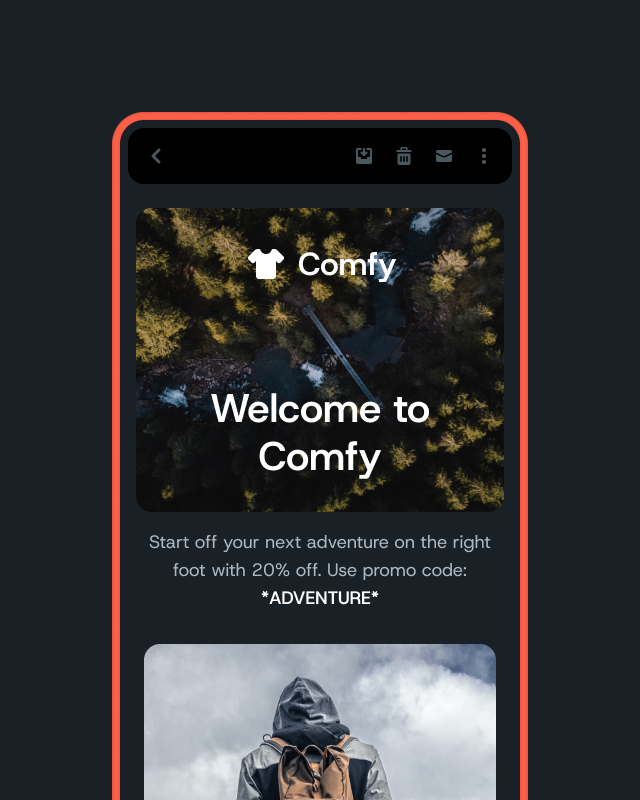
Need to compare light and dark mode email previews side by side? Mailgun Inspect now shows side by side previews of emails in light mode and dark mode, so you can test dark mode in one view. No toggling.
Light & Dark Mode Dual View shows the light mode and dark mode previews of the same email, on the same client, side by side in Mailgun Inspect. Click Compare on any preview that has a light and dark pair.
Why should I care?
Dark mode can hide a logo or turn text low contrast. If your subscribers read in dark mode, that costs you clicks. Now you can spot it in seconds.
- See light and dark mode at once. View both previews of the same email, on the same client, side by side.
- Flip in one click. Toggle between light and dark mode for a single preview without hunting for a second result.
- Previews grouped as pairs. Inspect now shows the light and dark mode previews of each client together.
- On every Inspect plan. Basic, Premium, and contract plans all include Light & Dark Mode Dual View.
What you need to do
When you set up a test, select both the light and dark mode version of a client. Then click Compare on that preview. Preview usage works the same as before: each light or dark mode rendering counts as one preview.
Not using Mailgun Inspect yet? Start a 30-day free trial.