Email Previews

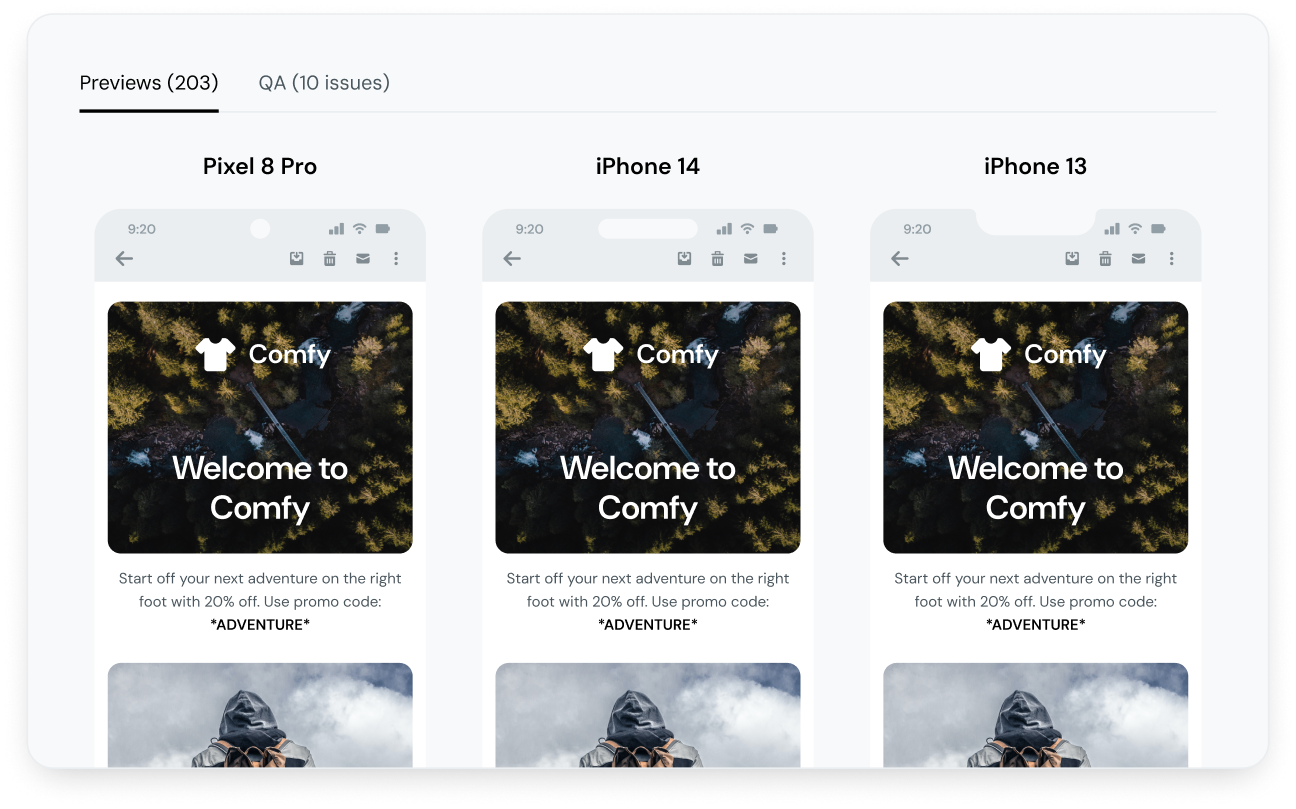
Never send another broken email. Proactively test your email on 100+ devices and email clients so you see exactly what your subscribers will see.
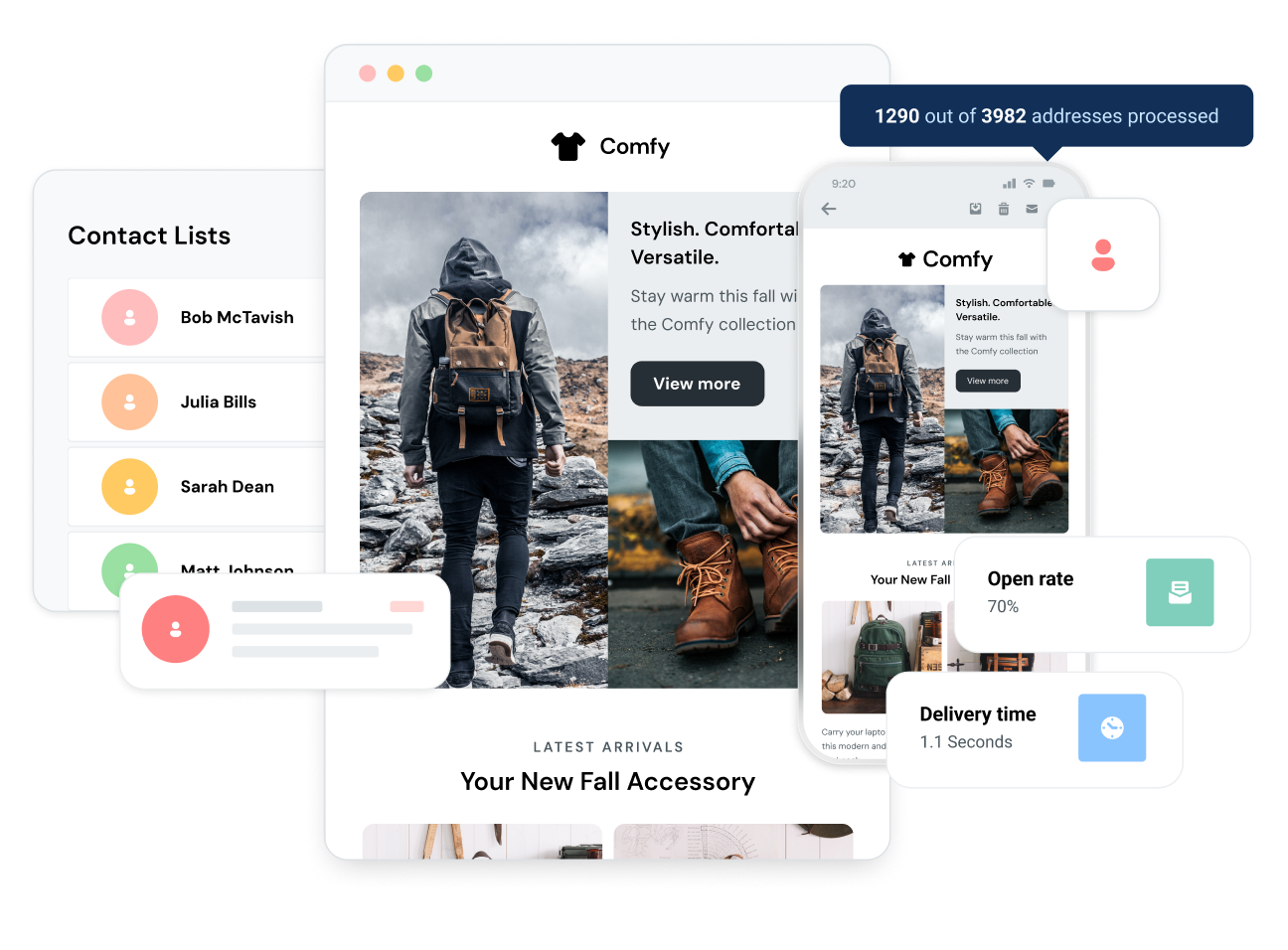
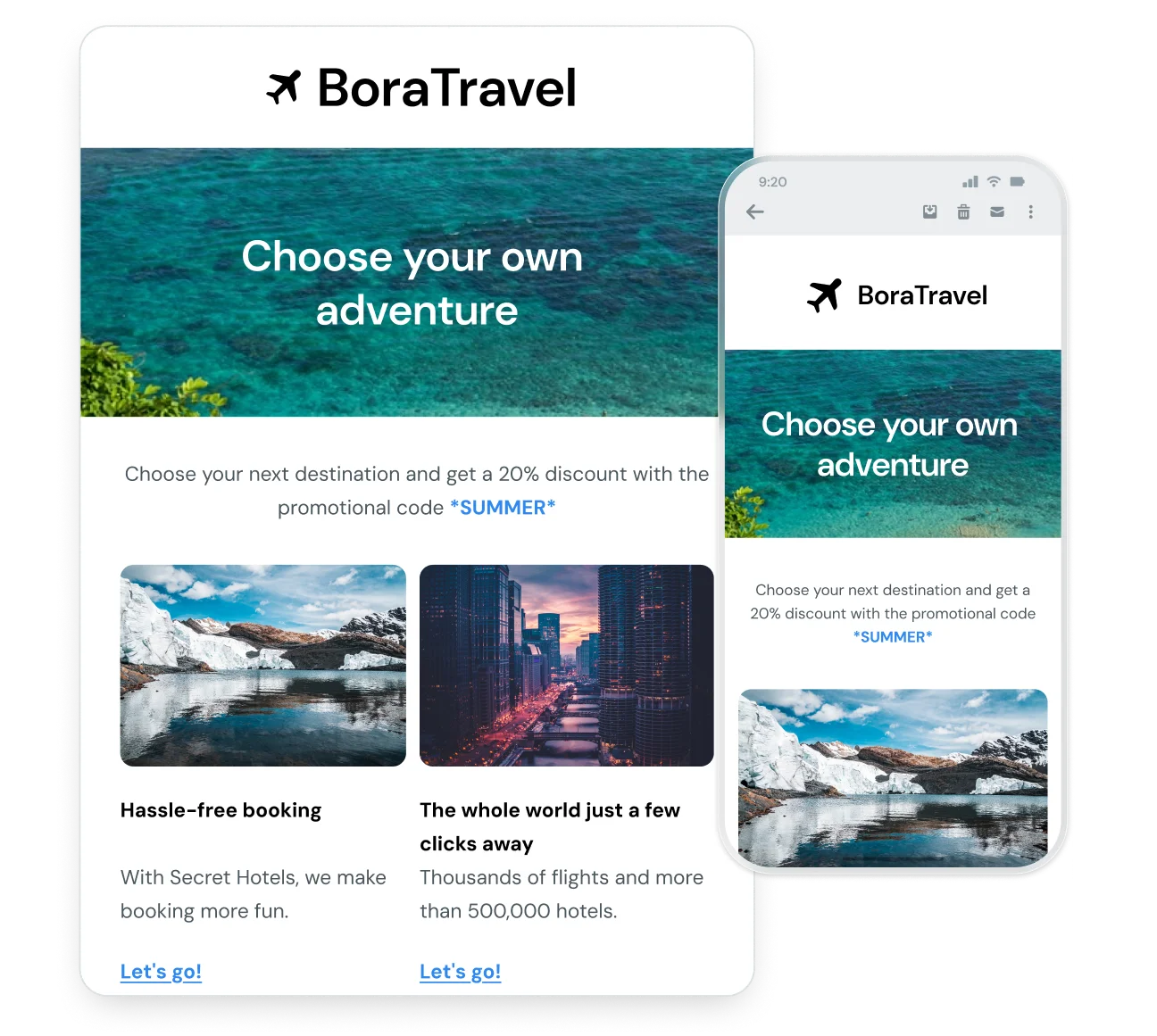
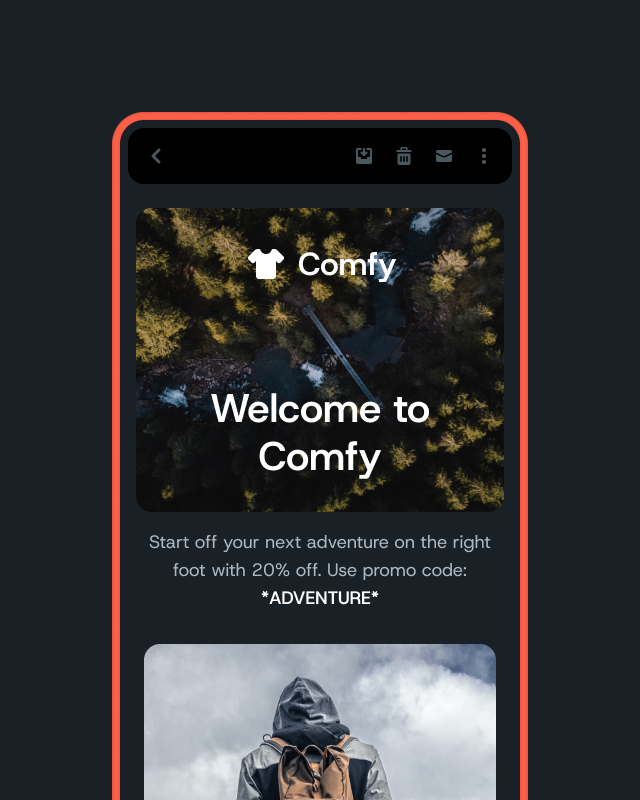
Responsive emails with different information boxes around them.
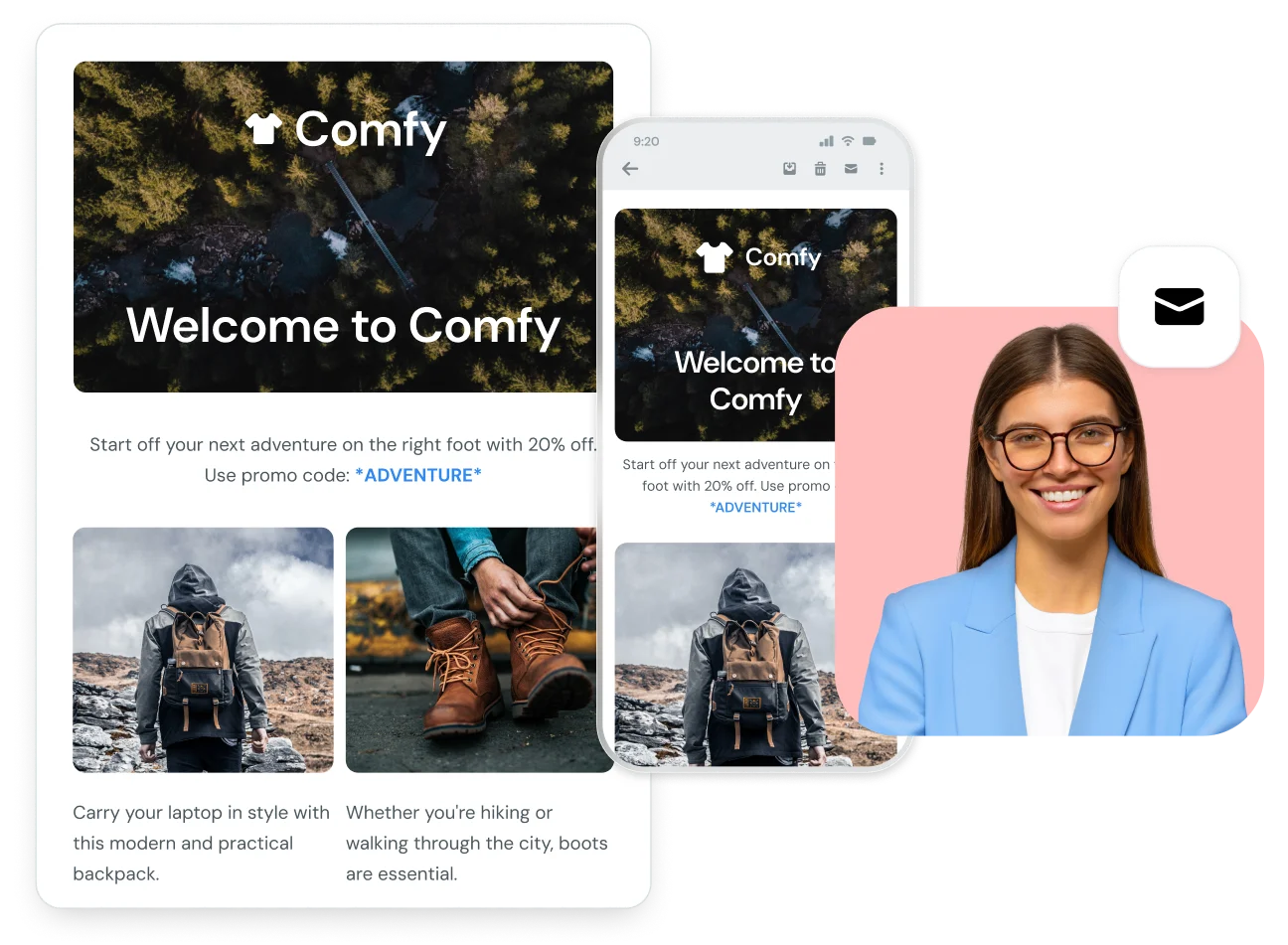
An email from Vidaloka that is personalized

Industry-leading email testing

Error-Free emails are a preview test away

You spend hours, days, weeks crafting the perfect email only to hit send and realize it rendered wrong on thousands of recipient devices. With so many new devices and clients coming out every year, it can be nearly impossible to ensure your email looks perfect on each one without help from the right preview tool.

Display your message as intended — on every device, in every inbox. Deliver error-free messages in less time with testing on 100+ devices and clients (including dark mode)

Three email icons lined up diagonally.

Dynamic email testing

Stand out in a crowded inbox

You made it to the inbox, but your email still needs to be opened. With tons of other emails also competing for the same attention, it can be hard to stand out visually.

Go beyond previews by testing the inbox-view of your sender name, subject line, and preheader text across phone, desktop, and web. Play with word count, alter copy, adjust spacing and see what works best for your email — so you can be confident that everything displays perfectly before you hit send.

Never send another broken email. Get started with our preview tool today
A graphic illustration of mobile email templates.

Comprehensive results

Dark mode optimization

Ensure consistent presentation for brands in every inbox — testing and previewing in dark mode so your email matches branding guidelines, images with transparent backgrounds are visible, your text is the right color, and more.

With over 82% of people using some form of dark mode on their devices, be set up for success no matter how your recipients consume email.

Inspect email preview feature

Flexible previews

Email previews for every sender

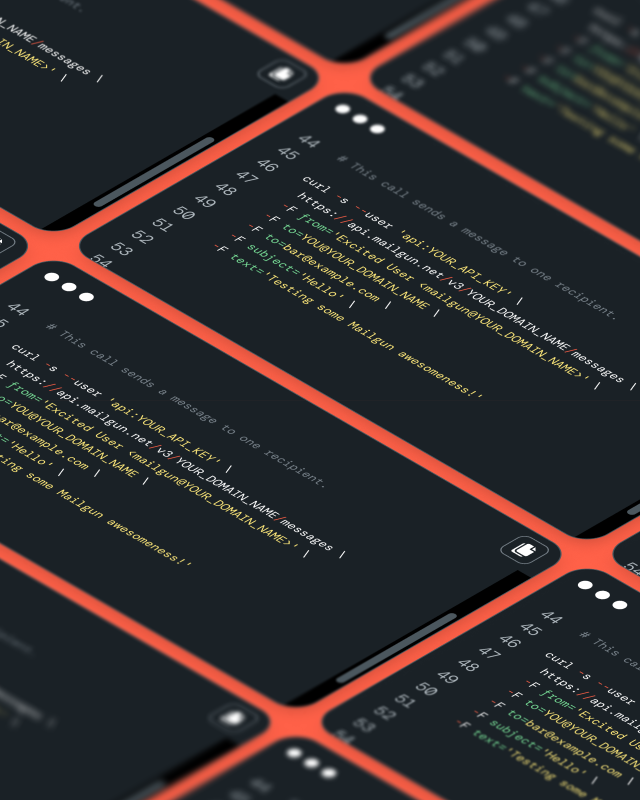
Integrate email previews into your existing API set for a complete email management stack. Create a better email workflow with content validation checkpoints you can trust on every email campaign.

Whether you have a hundred or a million emails to preview, you’re covered.

Email Preview FAQ

Email preview is a tool that allows you to see how your email’s design, formatting, and content display correctly across various platforms, such as Gmail, Outlook, and different mobile devices before you hit send. Email previews allow for easy identification and remedy of formatting issues, broken links, or misaligned content before emails reach your recipients. With different email clients rendering content differently, previewing emails ensures that your message looks great for all users, regardless of their platform.
An email preview covers how your email will appear across a wide variety of devices and email clients. This includes checking layout, font rendering, image display, and link functionality. Essentially, it helps you visualize your email as recipients would see it.
The email previews generated by Mailgun are not just HTML renderings—they simulate how the email will appear in real device/client environments. This includes capturing the rendering behavior of specific email clients and devices, so you see exactly how your email will look across different platforms like mobile phones, desktops, and various email clients.
Mailgun’s HTML Email Preview API supports a wide range of devices and clients, including popular platforms such as Gmail, Outlook, Apple Mail, Yahoo, and many mobile devices like iPhone, Android, and iPad. Emails render correctly across a broad spectrum of environments used by your audience.
You can easily integrate Mailgun’s email previewing tool into your development workflow by using our Email Preview API. This allows you to automate the process of testing email designs across different clients and devices. Simply upload your HTML to Mailgun, select the devices and clients you want to preview, and then render, and it will generate previews for various clients and devices, saving you time and ensuring consistency in your email campaigns.

Mailgun’s email preview tool can catch a range of issues before sending emails, including:

– Rendering issues: Ensures your email looks correct across various email clients.

– Broken links: Detects any invalid URLs that might lead to broken links.

– Missing images: Identifies if any images in the email fail to load properly.

– Incorrect personalization tags: Highlights any issues with dynamic content or personalization tags that might fail during the send.

– Layout problems: Detects misalignments or issues with responsive design across devices.

By catching these errors early, you ensure a smoother, more professional email experience for your recipients.

An email preview tool gives you confidence that your message displays correctly across devices and clients, reducing the risk of broken layouts, unreadable fonts, or hidden content. By catching these issues before send time, you improve user experience, boost engagement, and maintain sender reputation.

An email preview covers how your email will appear across a wide variety of devices and email clients. This includes checking layout, font rendering, image display, and link functionality, helping you visualize your email exactly as recipients would see it.

When reviewing your preview, make sure to verify the layout and design display correctly on both desktop and mobile. You will also need to confirm fonts render consistently across clients, check that all images load properly and at the right resolution, test every link and call-to-action for accuracy, ensure responsive elements adjust smoothly for different screen sizes, and review spacing, alignment, and color consistency.

Email Preview helps ensure your messages look perfect before sending, but to truly understand how they perform, you need robust analytics. Mailgun provides detailed email performance insights such as open rates, click-through rates, engagement metrics, and deliverability trends. These analytics help you identify what’s working and where to improve. For advanced optimization and actionable insights to boost engagement and deliverability, explore Mailgun Optimize

A great email previewer supports large batch processing, integrates with your API or workflow, offers real-device and client simulation, handles edge cases like dark mode and accessibility, and provides centralized reporting. These features are essential when you’re sending hundreds or thousands of emails and need consistency across your audience.

Yes. Using an email preview tool helps you ensure presentation quality, while combining it with optimization tools (for metrics, deliverability and insights) enables you to iterate and improve. For full-funnel optimization of your email program, consider moving into the broader optimization suite.

Let’s get sending.

Get started for free with the best email delivery platform and API.