Introducing Mailgun Inspect, our powerful new email preview and QA platform fully integrated into the high-performance Mailgun Platform. Start QA testing.
Email accessibility
Mailgun makes writing accessible emails easy, with automated checks done for you. Send ADA and EAA compliant emails that ensure readability with every subscriber, every time, regardless of their client or device.
Whitelabel accessibility
Integrate email accessibility checks directly into your email QA workflows for a single, unified source of email quality across your software stack. Ensure every client email meets compliance standards with automated checks that detect and fix accessibility issues before sending. All managed through one API.
Ensure protection against common accessibility standards and regulations like EAA and WCAG 2.2.
Improve readability and clarity in client emails to ensure accessible communication for all subscribers.
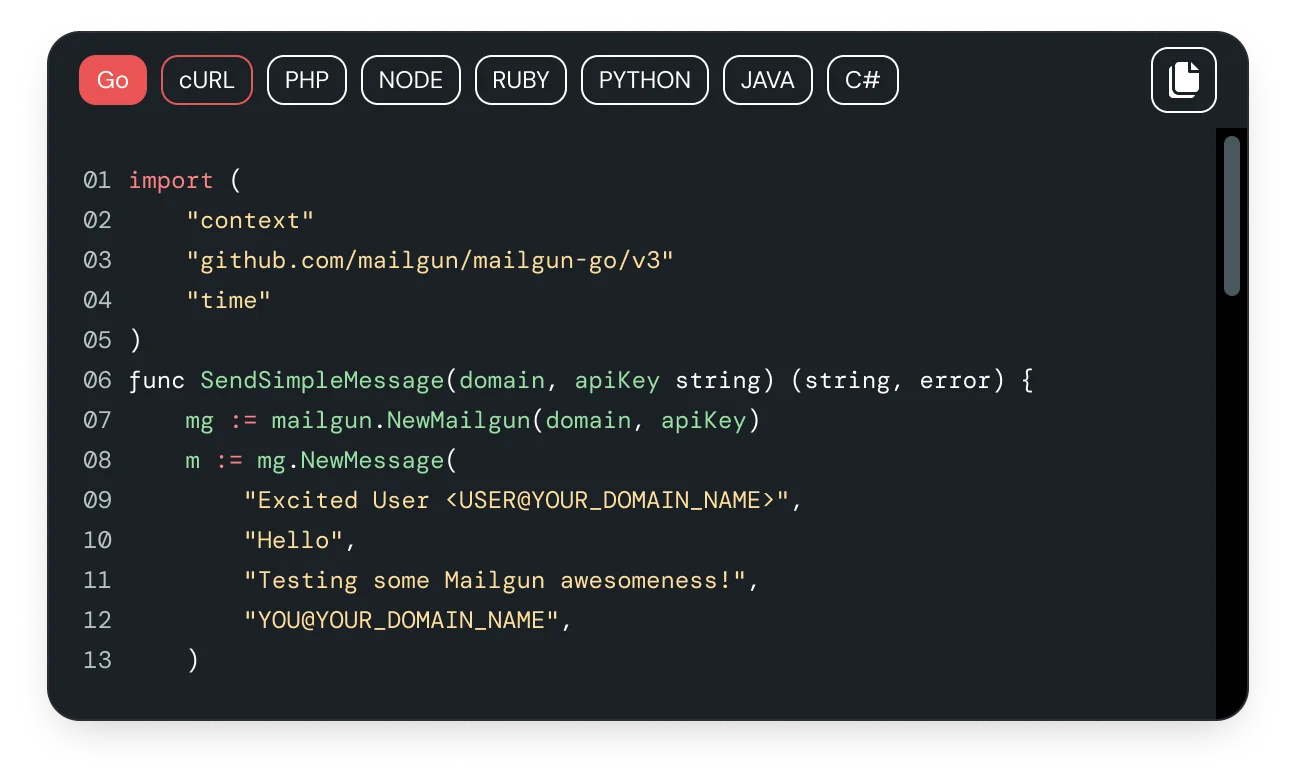
Easy ADA compliance integration
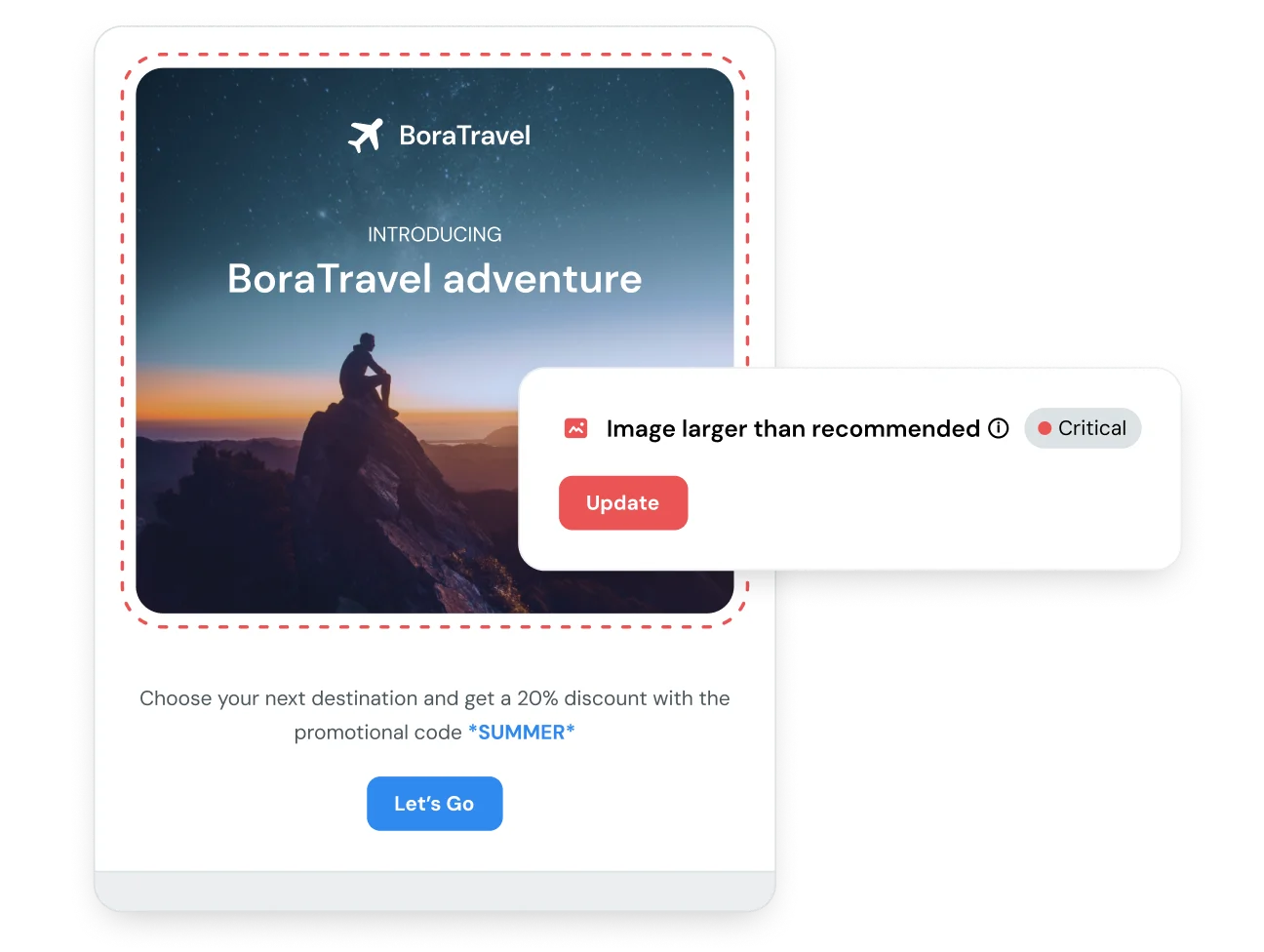
Plug ADA and EAA compliance into your existing Mailgun API to test, flag, and fix compliance issues directly via your email’s HTML for accessibility at scale.
Best in class ADA email compliance
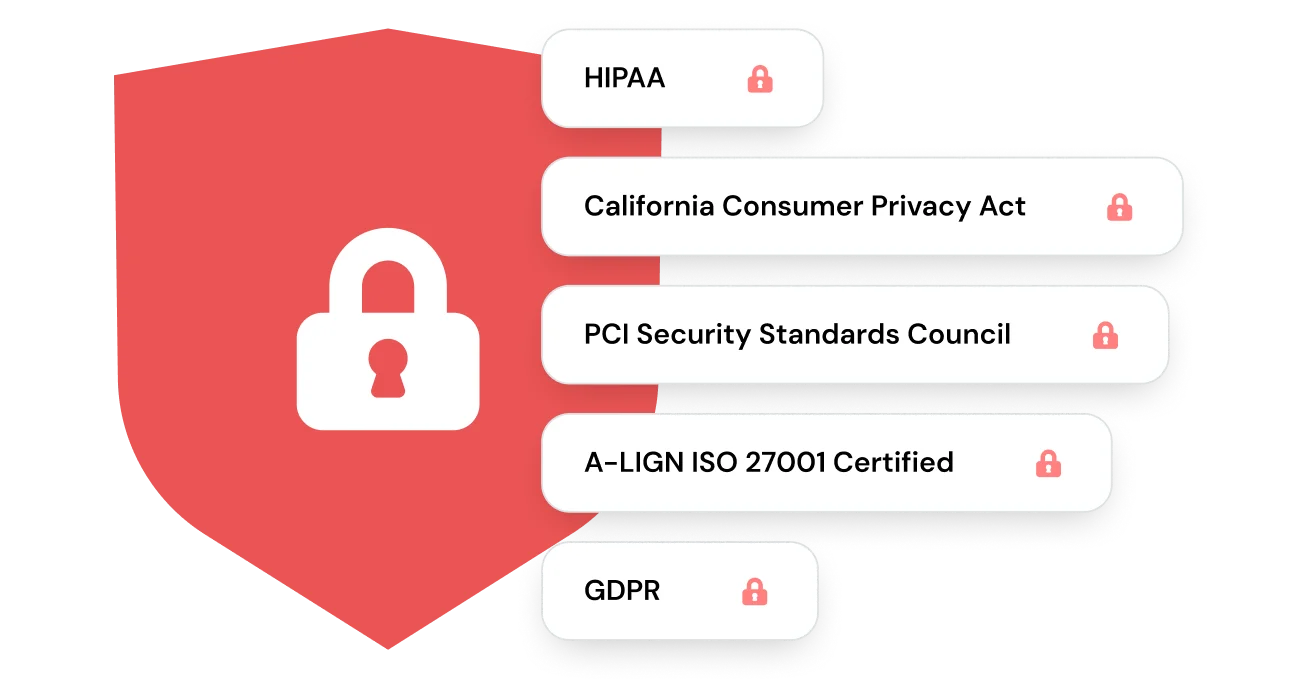
Send with an email service provider that prioritizes the privacy and security of your recipients’ personal data. Mailgun follows strict security standards to protect every message. From the first email to the billionth, your customers’ information stays safe and secure.
ADA (Americans with Disabilities Act) compliance for emails ensures that email content is accessible to individuals with disabilities, including those who use screen readers or other assistive technologies. This includes proper text contrast, alt text for images, clear navigation, and readable fonts.
Email accessibility refers to designing and coding emails so they’re usable by everyone, including people with visual, cognitive, or motor impairments. This involves semantic HTML, screen reader support, proper contrast ratios, logical content structure, and accessible interactive elements. Accessible emails follow guidelines like WCAG to ensure inclusive communication.
Emails are not explicitly required to follow WCAG, but ensuring accessibility can help prevent legal risks under the ADA and improve user experience. Many organizations follow WCAG standards as a best practice, especially for public-facing communications.
Failing to meet accessibility standards can also lead to poor engagement and alienated users. Optimizing for accessibility also improves email structure, mobile responsiveness, and overall clarity, boosting deliverability and conversions.
– Alt text for images. All meaningful images should have alt text to describe their content for users who rely on screen readers. Decorative images can have empty alt attributes (alt=””).
– Sufficient color contrast between text and background.
– Readable font sizes and styles. A font size of at least 14px is recommended for body text to ensure readability. For headings, larger sizes (18px or more) improve visibility.
– A logical heading structure with proper structure and formatting to improve usability.
– Descriptive link text (instead of “click here”)
– Keyboard navigability
While Mailgun supports major regulations like EAA and WCAG 2.2, compliance requirements vary by region and industry. Our comprehensive guides and webinars break down who must comply, what each law requires for accessible email design and delivery, and how enforcement differs across jurisdictions.
Overlooking accessibility compliance in email campaigns can expose your business to more than just usability issues. It can lead to legal action, financial penalties, and reputational damage. Noncompliance with standards like WCAG 2.2 may result in lawsuits or fines, especially for organizations operating in regulated regions. Beyond legal risk, inaccessible emails can alienate subscribers, reduce engagement, and harm brand trust. Proactively checking for compliance protects both your organization and your audience.