Integrations
Pipedream
Overview
Automate email workflows with Mailgun and Pipedream.
Connect Mailgun to over 2,500 apps, enabling DevOps and operations teams to automate workflows in minutes. React to email opens, clicks, bounces, and more, trigger transactional sends from any source, and keep dashboards updated automatically. Pipedream’s serverless platform eliminates infrastructure overhead, so you can focus on scaling your business.
KEY FEATURES AND BENEFITS:
- Mailgun event triggers: delivery failures, clicks, opens, complaints, unsubscribes, and more—react to any email event in real time
- Action steps: send emails, manage mailing lists, create routes, suppress addresses, verify deliverability, and list domains
- Integrate with 2,500+ apps using Pipedream’s app library
- No-code, drag-and-drop workflow builder
- Secure API key storage and authentication
- Serverless architecture—no servers to maintain
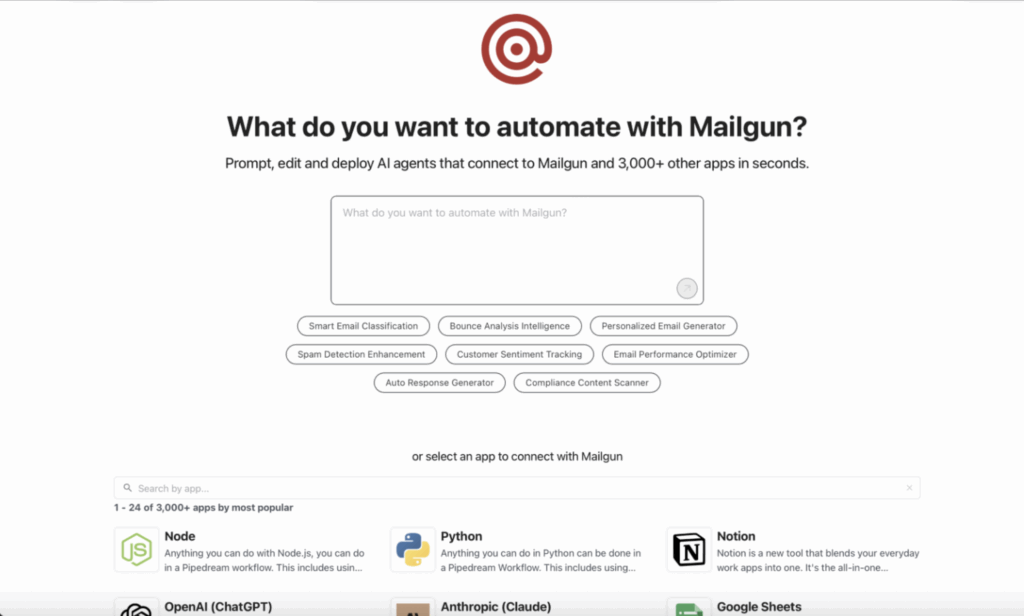
Connect Mailgun events to 2,500+ apps via no-code steps and API key authentication with Pipedream.
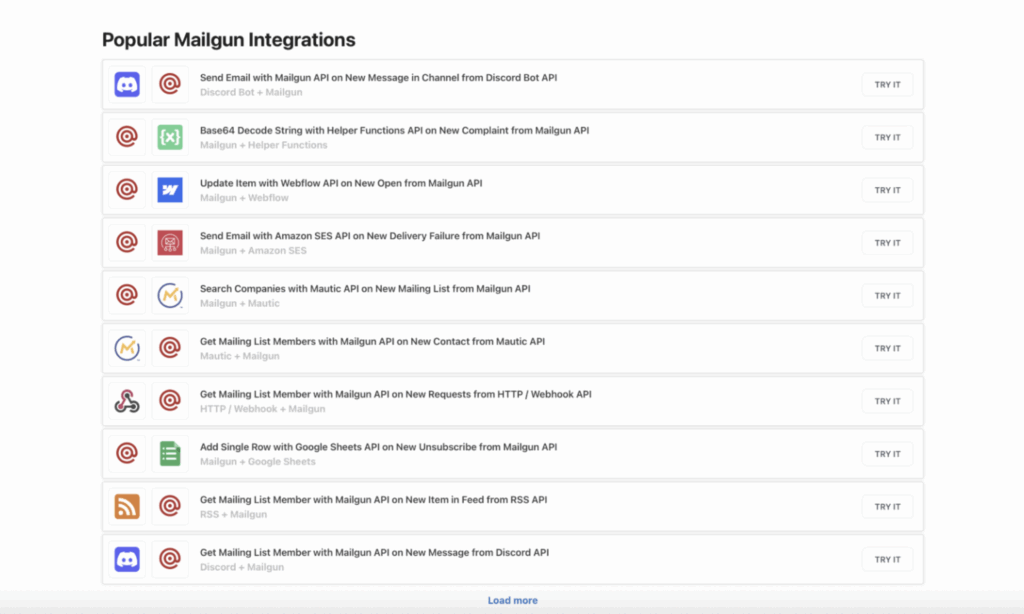
Use Cases
Popular ways teams use Mailgun with Pipedream
Order confirmation emails
Update campaign dashboards
Assign support tickets
Failure Alerts
How To Enable The Integration
Set up the Pipedream integration for Mailgun in minutes
Set up Pipedream with Mailgun in just a few steps—no servers or maintenance required.
Step 1: On Pipedream’s Mailgun page, click Connect to link your Mailgun account.
Step 2: Enter your Mailgun API key (stored securely by Pipedream).
Step 3: Select or create your Pipedream workspace.
Step 4: Add a Mailgun trigger step (e.g., New Bounce, Delivered, Opened) and choose follow-up actions like posting to Slack or creating a task.

Why Sinch Mailgun
Why Choose Sinch Mailgun
Faster time to value
Proven deliverability
Built to scale
FAQs
Frequently asked questions
Go to Pipedream’s Mailgun page, click Connect, enter your Mailgun API key, and select your workspace to start building workflows.
Pipedream supports all major Mailgun webhook events, including delivery failures, clicks, opens, complaints, unsubscribes, deliveries, log data updates, and mailing list changes—giving you complete visibility and automation control over your email operations.
Pipedream supports all key Mailgun actions, including sending emails, managing mailing lists (create, retrieve, delete members), creating routes, listing domains, suppressing email addresses, and verifying email deliverability—enabling full automation of your email operations without leaving Pipedream.
The integration is free, but usage depends on your Pipedream plan. Pipedream’s free tier includes limited monthly credits; paid plans start at $45/month. Mailgun’s pricing is separate and based on your email volume.
Yes. Add a “Send Email” action step in your workflow to send messages via Mailgun.
Workflows run in real time, typically within seconds of the event.
No. Pipedream’s drag-and-drop builder allows you to create complex automations without any coding.